Perfect Jump
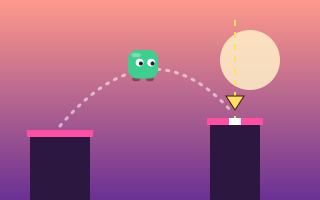
Press once as a sweeping marker crosses the next pillar, and chain center landings for up to 100 points each.
One-button games remove every control except the one that matters: when to jump. That makes them easy to pick up on a phone, a laptop trackpad or a keyboard, and surprisingly deep once the speed rises.
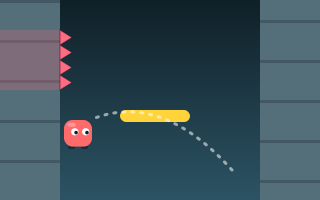
Each game here gives that single press a different meaning. In Perfect Jump it locks in a landing spot marked by a sweeping marker. In Wall Jump it launches you from one wall to the other. In Gravity Jumper it flips gravity entirely, and in Tiny Jumper a second tap in mid-air becomes a double jump. Read one-button jumping games explained for a closer look at how one input can carry so much variety.
Press once as a sweeping marker crosses the next pillar, and chain center landings for up to 100 points each.
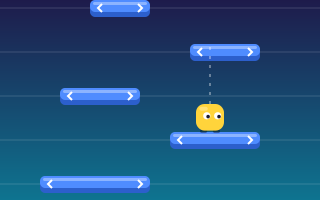
Hop straight up onto sliding platforms one row at a time, landing centered for bonus points as rows speed up.
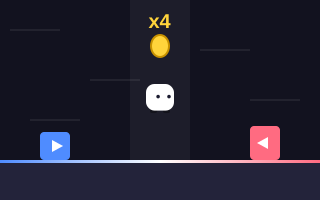
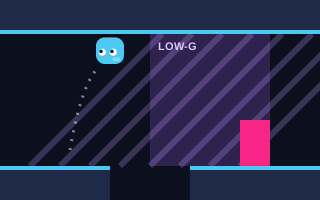
Flip gravity to run on the floor or ceiling, dodging gaps and blocks and drifting through low-gravity zones.
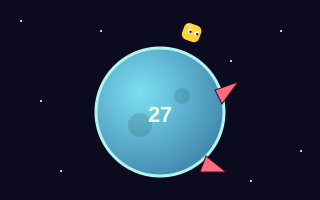
Circle a tiny planet and hop the spikes that sprout ahead, double jumping over pairs as each lap gets faster.
No games match these filters. Try another difficulty or browse all jumping games.
No finish line: climb generated platforms as far as your timing allows.
5 gamesRun, jump and land precisely on floating, moving and crumbling platforms.
8 gamesA second jump in mid-air: save it, spend it wisely, land safely.
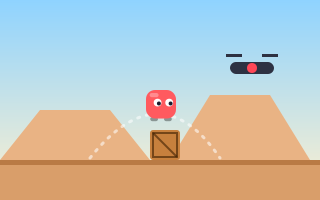
4 gamesSpikes, crates, drones, lava and blocks: read the hazard, then jump.
6 gamesCombos, multipliers and a daily course: every run is a score attack.
7 gamesWhy a single button is enough for a deep jumping game, how different one-button designs work, and what each asks of the player.
A practical method for sharper jump timing: find a visual cue, diagnose whether you press early or late, and practice with focused drills.
An explanation of the different kinds of timing jumping games test, why rising speed makes them harder, and how scoring systems reward getting them right.
Space, the Up arrow or W on a keyboard. You can also click or tap the game area, or use the large Jump button below it.
In some games, yes. Jump Over uses variable jump height: a quick tap is a short hop and holding gives a higher jump. The game pages explain when holding matters.
They are easier to learn, not always easier to master. Several of them speed up steadily, so your timing window keeps shrinking.
Yes. Clicking the game area counts as a jump in all one-button games.